

Smart Home Devices are reshaping how we protect, monitor, and manage our homes. The explosion of smart cameras, video doorbells, and integrated security systems in 2024 means homeowners now face exciting choices and new challenges in keeping families safe.
Key Takeaways
- The market for smart home devices—especially security-focused tech—is growing at over 15% annually, with the U.S. leading global adoption.
- AI-driven features and wireless connectivity are advancing rapidly, but realistic user pain points and in-depth cost breakdowns are often overlooked.
- Common integration, privacy, and compatibility issues are not well addressed in competitor articles—getting honest and detailed insights is critical.
- What Are Smart Home Devices and Why They Matter
- How to Choose and Set Up Smart Home Security Devices: Step-by-Step Guide
- Advanced Analysis & Common Pitfalls
- Conclusion
- Frequently Asked Questions
What Are Smart Home Devices and Why They Matter
Smart home devices use network connectivity and automation to boost security, energy efficiency, and convenience. Devices like smart cameras, video doorbells, and alarms let you monitor and control your home—whether you’re across the street or across the world.
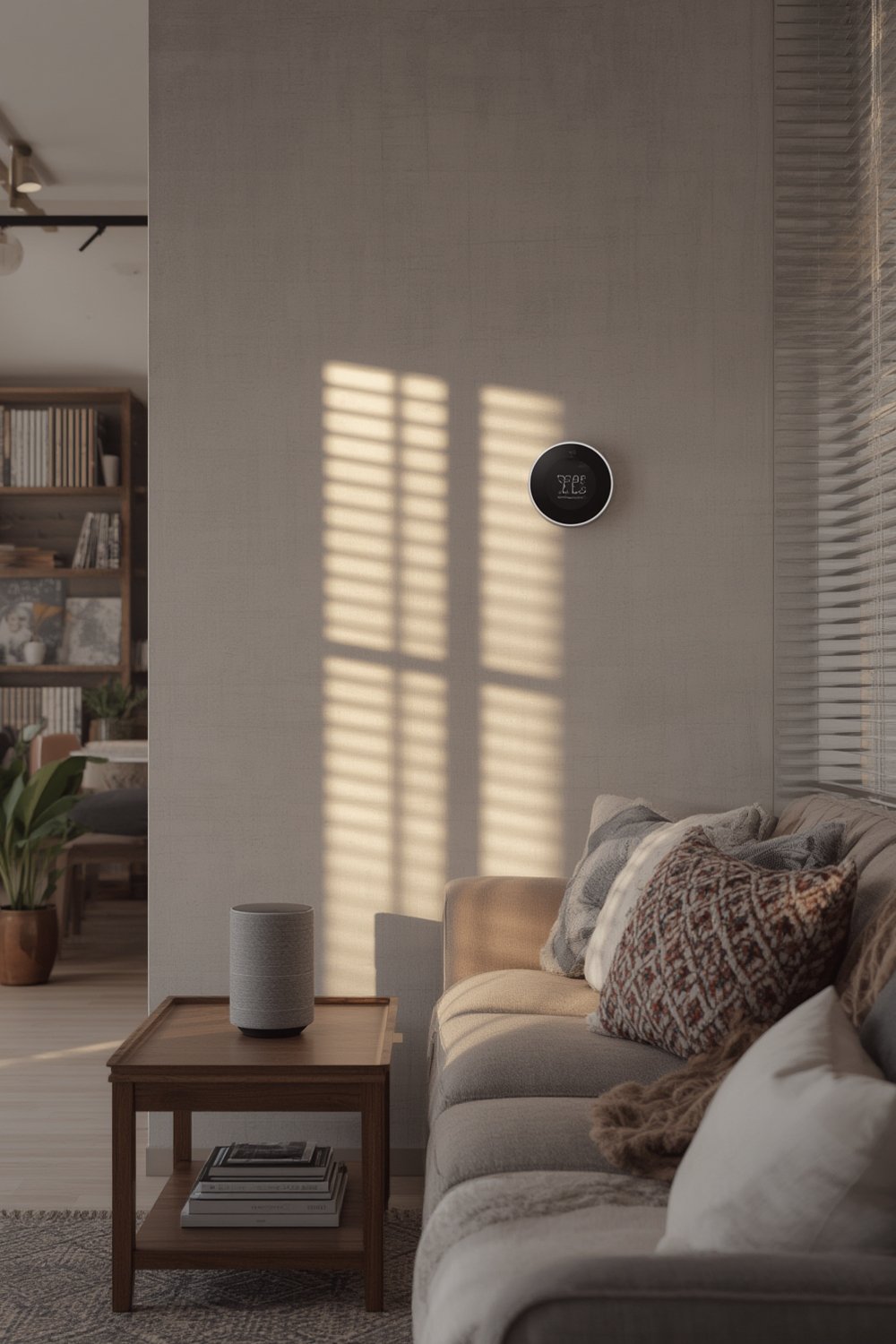
The adoption of smart home security is surging. In 2024, the global smart home security market reached as high as USD 35.02 billion, with North America accounting for over a third of that growth. This is happening because of increased remote work, rising burglary rates, and deeper IoT integration, according to Precedence Research and Grand View Research.
Hardware leads, especially smart cameras and monitoring systems, comprising nearly 57% of sales. Wireless connectivity now dominates for ease of installation and use. Trends also show Asia Pacific is growing even faster, with a 17.5% CAGR projected over the next decade.
For a broader understanding of home improvement and tech upgrades, check out our guides on modern home upgrades and DIY improvements.
How to Choose and Set Up Smart Home Security Devices: Step-by-Step Guide
Getting started with smart home devices is simpler than you think, but making the right choices upfront can save money and frustration. Here’s how:
- Define Your Security Goals
Decide if your priorities are deterrence (visible cameras, alarms), real-time monitoring (smart cameras, doorbells), or integration (linking multiple devices into a central app). This helps you avoid overbuying features or devices. - Audit Your Space
Count entry points and key rooms. A small apartment might need just a smart doorbell and a camera, while a larger home could require a networked system of sensors, indoor/outdoor cameras, and door/window alarms. - Budget for Upfront and Recurring Costs
Costs are opaque. Many brands don’t share pricing until checkout. Expect to pay anywhere from $50–$200 per camera, $60–$300 for video doorbells, and $150–$500 for alarm kits. DIY installation is often free—professional install can add $100–$400 per device. Subscriptions for cloud storage or emergency response can range from $3–$30/month. - Evaluate Brand Ecosystems and Compatibility
Check if devices work natively with each other—or if you need extra hubs or bridges. For example, Ring cameras pair seamlessly with Ring alarm systems but may offer limited support if you use Google Home or Apple HomeKit as your main platform. Always read the fine print on Brand Ecosystems compatibility! - Install and Test Your Devices
Follow manufacturer instructions. Most wireless cameras and doorbells are plug-and-play, but more sophisticated alarm systems or wired cameras may require drilling and network setup. Always perform test alarms and monitor streaming quality after install. - Tweak Notifications and Automations
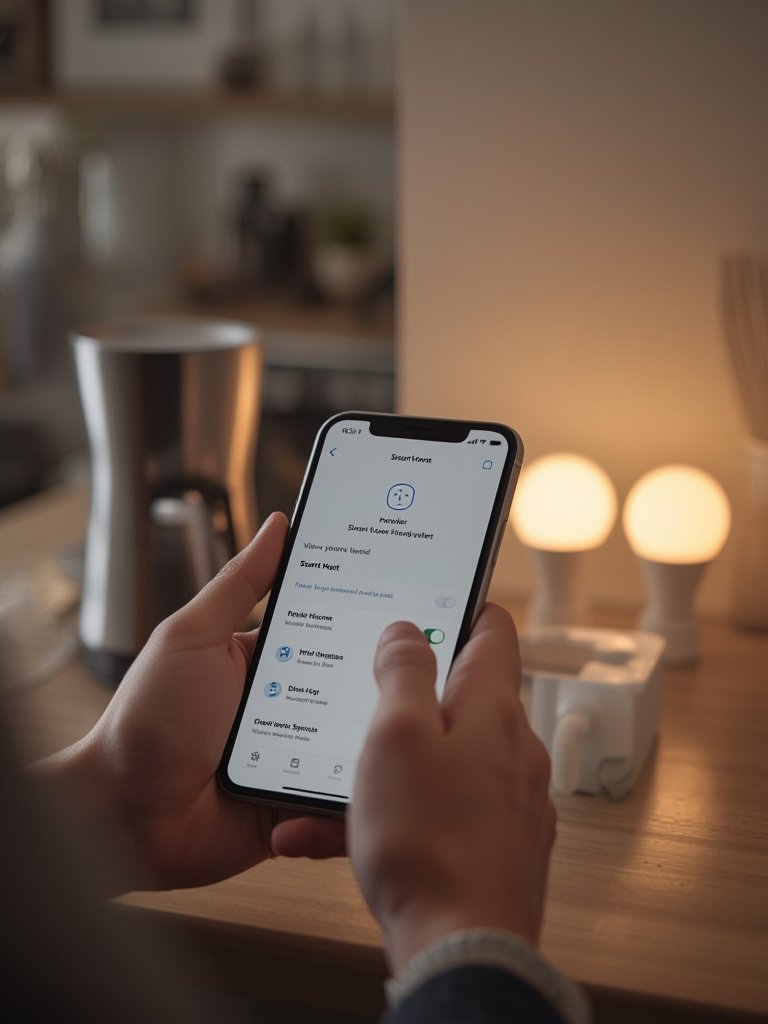
Use included apps to set alert zones, sensitivity, and automations. Some modern systems use AI (AI-powered facial recognition, advanced motion detection) for smarter alerts and fewer false alarms. Fine-tuning here will reduce daily annoyances.
If you’re also considering other home upgrades, our kitchen and bathroom remodeling tips and wall and flooring ideas can help you plan integrated projects.
Advanced Analysis & Common Pitfalls
While buying smart home devices is now mainstream, users frequently run into avoidable issues. Here’s a realistic look at what can trip you up, plus where most articles fall short:
- Hidden Costs: Prices are not just what you see on shelves. Add up installation, accessories, and recurring subscriptions. Many users feel locked in once they buy due to ongoing fees or ecosystem tie-ins not disclosed upfront.
- Compatibility Headaches: Not all smart cameras, alarms, and doorbells play nicely together. Mixing brands (e.g., ADT sensor with Ring doorbell) often means juggling multiple apps or losing key features.
- Privacy and Data Protection: Market reports rarely mention it, but in reality, your security feeds may be subject to third-party cloud storage, creating privacy concerns for many users.
- Integration Shortfalls: The promise of one centralized app is not always delivered. Some platforms require extra hubs, have laggy performance, or offer only partial integrations.
- Unrealistic Expectations from AI: Features like “facial recognition” and “smart alerts” are advancing fast, but many users report false positives or missed events in real settings.
- Pain Points Left Unsolved: Verified customer review data is rarely published, which leaves common pain points like lousy tech support, battery life complaints, or confusing setup guides under-addressed. Always search for real user reviews before buying.
| Device Type | Upfront Cost (USD) | Typical Subscription | Key Compatibility Issues |
|---|---|---|---|
| Smart Camera | $50–$200 | $3–$30/mo | Cloud/integration limits with Apple, Google, or Amazon ecosystems |
| Video Doorbell | $60–$300 | $0–$15/mo | Some limit local storage, may require cloud account/hub |
| Alarm System | $150–$500 | $10–$30/mo (for monitoring) | Sensor/camera bridging may need 3rd-party devices or won’t work natively |
For accurate, up-to-date market data referenced above, explore the current market analysis report.
If you’re in the early planning stage, don’t miss our interior design basics for a comprehensive home project approach.
Conclusion
Smart home technology is evolving fast. The right smart home devices can transform security and peace of mind—if you know where the hidden costs, compatibility issues, and privacy concerns lie. Take time to research, compare, and plan how new devices will work in your whole living space. When in doubt, leverage detailed sources like market research reports or honest reviews from real users.
Start with a simple, focused system, then expand as your needs grow. Want more advice? Browse our modern home improvement guide for more actionable tips. Upgrade your home, boost security, and enjoy total control with the latest Smart Home Devices.
Ready to start building a smarter, safer home? Act now—get the right devices and set them up with our straightforward steps!
Frequently Asked Questions
Are smart home security devices hard to install?
Most modern devices are designed for easy DIY installation. Doorbells and cameras are usually wireless, requiring minimal tools. However, some alarm systems may need professional help, especially for larger homes or wired setups.
Do I need a subscription for smart cameras or alarms?
No, but many features—such as cloud recording, advanced AI alerts, and professional monitoring—are only available via paid subscriptions. Always read the fine print before purchasing.
Will smart devices work with my existing smart home system (Google, Amazon, Apple)?
Not all devices are fully compatible across platforms. Check for official support or third-party integration. Sometimes, hubs or bridges are required for seamless operation.
How private are smart security devices?
Brands vary in their privacy standards. Some store footage in the cloud, others offer local storage. Always review the privacy policy and look for brands with strong encryption and transparent data handling practices.
What’s the biggest unexpected cost with these systems?
Ongoing subscription fees and additional accessories (like extra sensors or storage) are the most common hidden expenses. Factor these into your budget when comparing options.