

Smart Home Devices are quickly becoming an essential part of modern living, transforming how we secure, monitor, and interact with our homes. Today’s solutions go beyond convenience, offering real-time security and powerful insights, but not without unique challenges you should know before making the switch.
Key Takeaways
- The smart home security market continues to grow, with hardware like cameras and video doorbells leading adoption in 2024.
- Popular devices solve daily pain points, but pitfalls like false alerts and setup issues can complicate their use.
- Real benefits come when installation matches your unique needs and when you’re aware of compatibility and privacy considerations.
- Understanding the Core Concept of Smart Home Devices
- Step-by-Step Guide to Choosing and Installing Smart Home Devices
- Advanced Analysis & Common Pitfalls with Smart Home Devices
- Conclusion
- Frequently Asked Questions
Understanding the Core Concept of Smart Home Devices
Smart Home Devices integrate connectivity and automation into everyday household functions, giving homeowners more control, security, and insight. In 2024, smart security solutions like connected cameras, video doorbells, and advanced alarm systems represent the fastest-growing segment—with global smart home security market size between USD 32.46 billion and USD 35.02 billion. North America leads this market, holding over 37%, and the U.S. alone represents nearly a third of the total spend with more than 94 million households using these systems.
This growth is driven by a desire for improved safety and flexible monitoring, especially as many homeowners now expect instant updates via smartphones or computers. Devices like surveillance cameras (42% market share), video doorbells (38%), and alarm systems (35%) are at the forefront, offering not only deterrence against intruders but also daily peace of mind. Hardware leads adoption with a 57% share, prioritizing wireless connectivity and integration into independent homes.
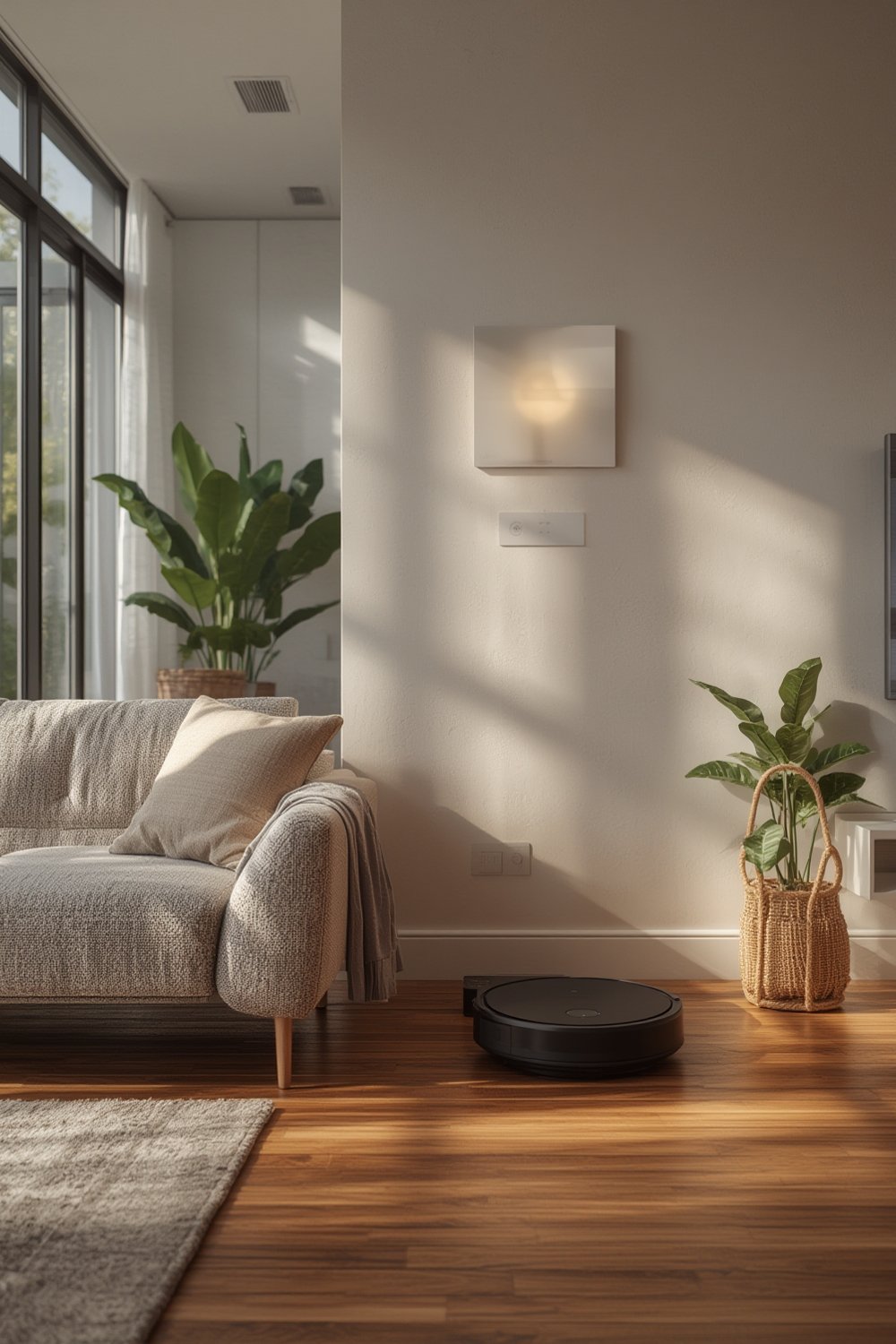
As market forecasts suggest a compound annual growth rate well over 13% in the U.S. through 2030, we can expect these devices to become more accessible, more sophisticated, and more integral to daily routines. Those considering upgrades should weigh their own goals—whether it’s hands-free convenience, better remote monitoring, or integrated alarms—against practical factors like home layout and Wi-Fi reliability.
Want more ideas to elevate your home? Check out our modern home upgrades and smart home improvements guide for a full overview of home renovation concepts.
Step-by-Step Guide to Choosing and Installing Smart Home Devices
Adding smart home devices starts with honest assessment: What do you want to achieve—home security, energy savings, or daily convenience? Here is a step-by-step breakdown that will work for most homeowners in 2024.
-
Define your priorities.
Are smart cameras essential, or is a basic alarm enough? Decide if you need indoor, outdoor, or doorbell cameras for your layout. -
Research compatibility.
Check your home’s Wi-Fi strength and coverage. Some devices work better with mesh networks or specific smart home systems (like Alexa, Google Home, or Apple HomeKit). -
Choose reputable brands and essential features.
Opt for devices with HD video quality and documented security features. Most consumers select proven hardware leaders; compare features side by side where possible.- Look for night vision, cloud/local storage, and customizable alerts.
- For robust security, consider devices with two-factor authentication and encryption.
-
Plan installation points.
Map device placement before you buy. Prioritize high-traffic areas and vulnerable access points, but avoid overbuying—cameras should never be intrusive. -
Install and test each device one at a time.
Follow app or manufacturer’s instructions. Test alerts, live views, and compatibility with your phone or hub. -
Set up automation and schedules.
Link devices to routines (like automatic arm/disarm when you leave or arrive) for best results. -
Review privacy and security settings regularly.
Update firmware, change passwords, and check device access within apps every few months.
A well-chosen system will fit your budget, integrate easily, and won’t eat up your bandwidth. Want tips for affordable installation? Our DIY home improvement guide covers smart upgrades and budget strategies from start to finish.
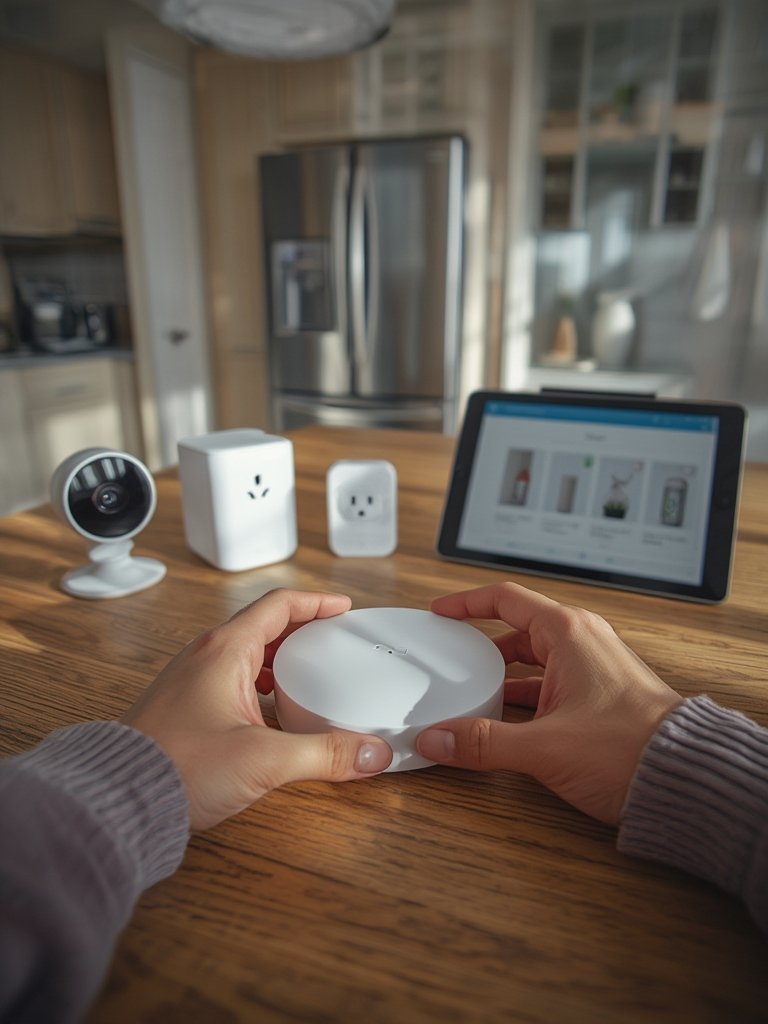
For more expansive home transformations, see our expert breakdown of home renovation tips, wall finishes, and flooring ideas.
While cost data for 2024 varies by system complexity, always calculate not just initial price but also installation and potential monthly subscription fees for professional monitoring or cloud storage. In the U.S., leading platforms bundle lower upfront equipment costs with ongoing subscriptions—compare closely before committing.
Don’t forget: Upgrading kitchen or bathroom? Combine sensor tech and water detection for extra safety—explore practical add-ons in our remodeling tips for kitchen and bathroom upgrades.
Advanced Analysis & Common Pitfalls with Smart Home Devices
Even with top-rated equipment, real-world results can fall short if you hit common stumbling blocks. Here are several realistic pitfalls with emerging smart security solutions in 2024:
- False Motion Alerts and Notification Fatigue: Overly sensitive motion sensing can swamp you with alerts, especially in high-traffic areas or with pets.
- Privacy Concerns: Unsecured devices can risk data exposure if software isn’t current or passwords are weak.
- Connectivity Dropouts: Wi-Fi dead zones or service interruptions render many devices useless unless there’s backup backup connectivity.
- Integration Gaps: Mixing brands may complicate your setup if some don’t “talk” easily with Amazon Alexa, Google Home, or Apple HomeKit ecosystems.
- Hidden Costs: Some systems require ongoing subscriptions for cloud storage or professional response—watch for upcharges.
As noted by Grand View Research and SafeHome, hardware dominates adoption, but users often underestimate the importance of compatible Wi-Fi or the impact of camera placement.
| Pitfall | Potential Impact | How to Avoid |
|---|---|---|
| Wi-Fi drops/disconnects | Missed recordings or alerts | Upgrade to mesh network, keep devices close to router |
| Weak passwords | Account hacking, privacy breaches | Use strong, unique passwords for each device/app |
| Mixing incompatible brands | Limited automation, clunky experience | Plan ecosystem before buying; stick to major brands for easier integration |
| Ignoring privacy settings | Unwanted exposure of footage or audio | Review and restrict sharing/cloud settings; update permissions regularly |
| Subscription creep | Rising monthly expenses | Prioritize systems with free or local local recording options |
If you want to boost overall efficiency while upgrading, explore affordable renovations and home efficiency tips to enhance your smart home journey.

Conclusion
The adoption of Smart Home Devices, especially in the security segment, is revolutionizing safety and convenience for homeowners worldwide. Still, every upgrade has trade-offs. Whether you’re seeking advanced monitoring, easy automation, or reliable alarms, focusing on compatibility, security settings, and ongoing costs will help you get the most from your investment. Ready to future-proof your home with the latest Smart Home Devices? Assess your needs, research a trusted ecosystem, and act with confidence.
Looking for more ways to boost comfort and functionality? Don’t miss our DIY home upgrades for everyday living.
Frequently Asked Questions
Are smart home security systems easy to install?
Most smart home security devices are designed for DIY installation and include clear app-based instructions. However, wiring or optimal camera placement can be tricky in larger homes; consider professional help if unsure.
Do I need a subscription for cloud storage?
Many brands offer basic features for free but charge monthly fees for cloud recording, advanced notifications, or professional monitoring. Review each product’s terms before purchasing.
How can I protect my privacy with smart cameras?
Always use strong, unique passwords, enable two-factor authentication, and regularly review sharing and privacy settings in your device’s app.
What if my Wi-Fi goes down—do my devices stop working?
Most smart home devices depend on Wi-Fi. If your internet fails, live monitoring and alerts may be interrupted. Some systems offer local recording or backup connectivity—read the specifications before buying.
Will these devices work in older homes?
Yes, most smart home devices only require a stable Wi-Fi network and nearby power outlets. If your house has thick walls or spotty coverage, investing in mesh Wi-Fi can help ensure reliable device performance.