

Smart Home Devices are rapidly changing how we live, offering both convenience and newfound challenges for homeowners seeking automation and security upgrades. If you have considered adding smart home devices or upgrading existing hardware, it’s critical to understand both the benefits and the limitations before investing.
Key Takeaways
- The adoption of smart home devices, especially smart security products, is growing quickly but real-world effectiveness data is lacking.
- Buying decisions should focus on compatibility, realistic expectations, and actionable maintenance steps, not just flashy features.
- Cost, privacy, and integration are areas with the most uncertainty—so a step-by-step approach is vital.
- Understanding Smart Home Devices: What It Means For You
- A Step-by-Step Guide to Smart Home Devices
- Advanced Analysis & Common Pitfalls of Smart Home Devices
- Conclusion
- FAQ
Understanding Smart Home Devices: What It Means For You
Smart home devices transform typical homes into connected, automated living spaces. They include everything from thermostats, lighting, and plugs to more complex security systems like smart cameras, doorbells, sensors, and integrated alarm systems. Their central promise is to make everyday tasks effortless while boosting energy efficiency and peace of mind.
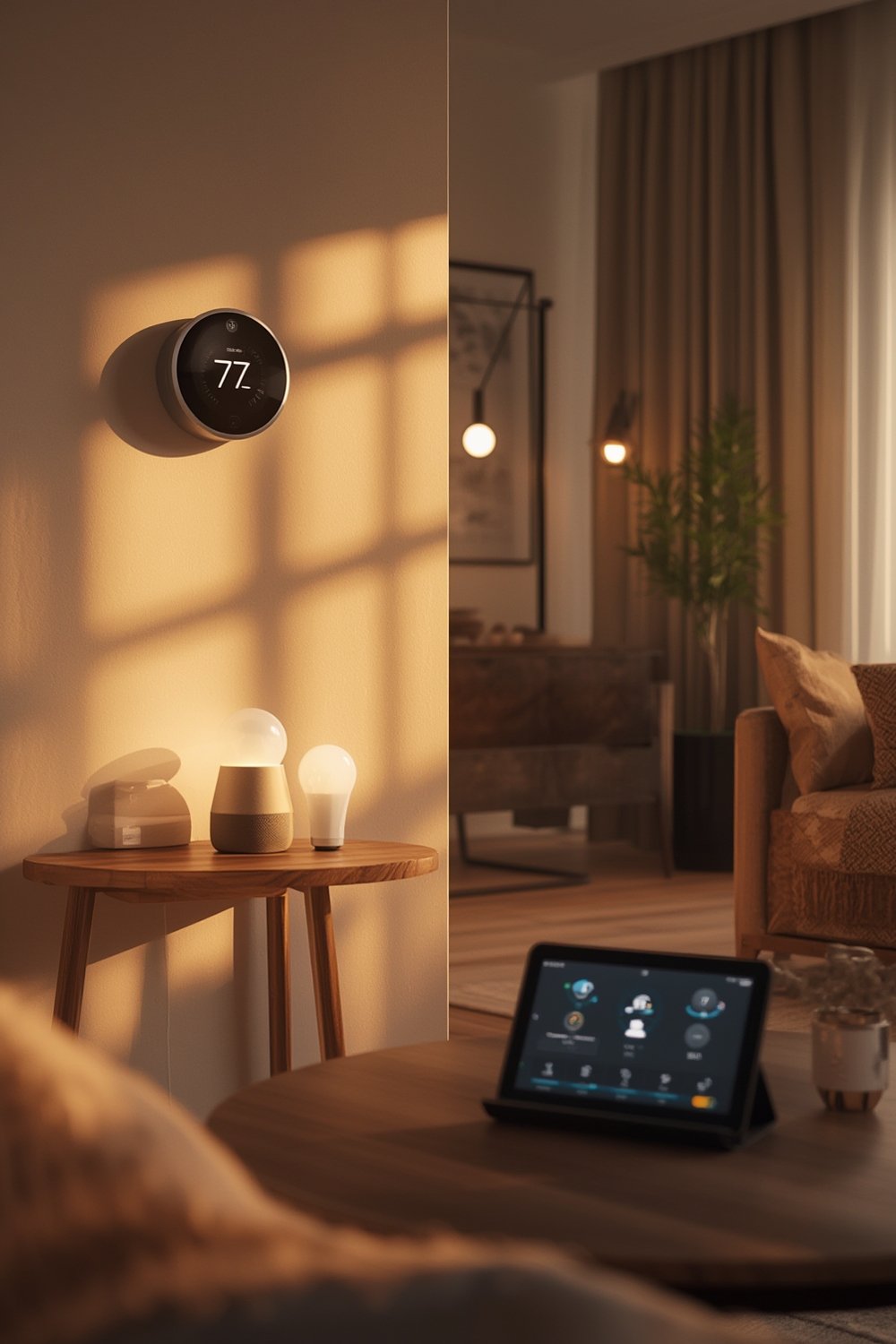
According to recent smart home device statistics, global household adoption rates reached 17.4 percent in 2024 and are set to rise to over 31 percent by 2028. The United States leads with nearly 70 million households actively using these technologies, with a dominating preference for security and access control devices. Security products like indoor and outdoor cameras, smart locks, and alarms account for almost 28 percent of the US market share—reflecting both increased concern about safety and willingness to invest in digital solutions (Grand View Research).
Yet mainstream use of smart home devices involves much more than just automation. For many, it means taking the first steps to future-proof their home, introduce hands-free convenience, and add layers of security—all while becoming more energy and cost-efficient. These upgrades also pair naturally with larger home improvement projects. If you’re working on renovations, it’s smart to explore budget DIY home improvement options that integrate seamlessly with smart tech.
However, with rapid adoption also come new considerations—especially the lack of independent evidence proving smart security devices stop burglaries, and limited transparency about long-term running costs or privacy risks. Ultimately, successful smart home upgrades will demand both research and careful planning.
A Step-by-Step Guide to Smart Home Devices
Ready to make the transition? Use this stepwise approach to maximize the benefits of smart home devices while avoiding the most common setbacks.
-
Define Your Home Goals.
List specific priorities: increased security, energy saving, climate control, automation, or hands-free operation. A focused goal narrows your device selection and ensures you buy tech that actually changes your everyday life for the better.
Take inspiration from modern home upgrade strategies that prioritize efficiency without overspending.
-
Research the Real Market Leaders.
As of 2024, global smart home shipments have reached 892 million devices with monitoring and security accounting for more than a quarter of all sales (IDC). Yet, not all brands are created equal. Read verified customer reviews and look for brands known for regular software updates and responsive support.
-
Plan for Integration from Day One.
Make sure your intended devices work together smoothly. For example, pairing a smart camera with a video doorbell and alarm can give you all-around visibility and quick alerts. But if they run on different apps or protocols, daily use becomes frustrating.
Many overlook this step until problems surface. Consult guides such as our home improvement guide to align tech integration with broader renovation goals.
-
Budget for Hidden Costs.
Device price tags are only the beginning. Many security cameras and alarm systems require monthly subscriptions for cloud recording, advanced notifications, or professional monitoring. Remember: experts report average annual smart home revenue per unit at approximately $365 globally and nearly $480 in America (ElectroIQ). Sometimes, DIY setups save money up front but cost more over time due to fragmented subscriptions.
-
Prioritize Security and Privacy.
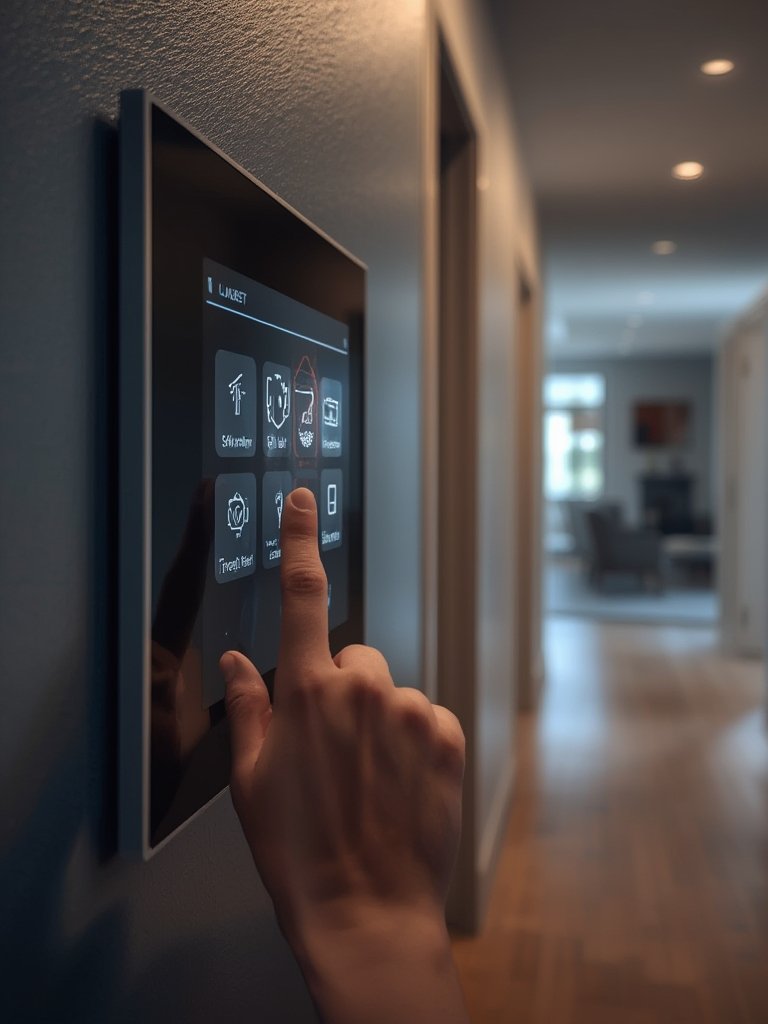
No system is immune to digital risks. Choose brands that publish transparent privacy policies, support two-factor authentication, and follow best practices for protecting data. Though there’s a lack of robust studies on overall device effectiveness in preventing break-ins, using unique, strong passwords on each account and keeping firmware updated are musts.
Factor privacy into choices for each device—especially those with cameras or microphones. For those planning holistic upgrades, remember to revisit these issues in tandem with physical renovation plans, like those outlined in our kitchen and bathroom upgrade tips.
-
Test and Maintain Systems Regularly.
Don’t set and forget. Schedule periodic checks for firmware updates, device responsiveness, and sensor battery life—especially before vacations or extended time away. Malfunctioning sensors or outdated software can create a false sense of security.
-
Combine Devices with Practical Home Improvements.
Enhance the value of smart home devices by synchronizing them with insulation improvements, updated wall finishes, or flooring changes. Careful planning can boost comfort and efficiency at once. For additional inspiration, see our guide on home improvement planning and renovation tips.
Advanced Analysis & Common Pitfalls of Smart Home Devices
While the appeal of smart home devices continues to grow, so do user frustrations and unforeseen hurdles. Here are several realistic pitfalls to watch for before going all-in:
- Overestimated Capabilities: Current research offers no concrete proof that smart security devices directly prevent burglaries or invasions (SwiftBeacon). Marketing often oversells outcomes; protect your house as part of a broader security plan, not solely via tech.
- Unanticipated Costs: Subscription fees for cloud storage or monitoring add up. If you buy different brands, you might juggle several monthly charges.
- Integration Conflicts: Devices from competing brands might fail to cooperate or require multiple hubs—complicating things. Always check platform compatibility (Amazon Alexa, Google Home, Apple HomeKit, etc.) before purchase.
- Reliability Issues: No major recent studies shed light on device longevity, battery life, or failure rates in the field. Firmware glitches and Wi-Fi outages still disrupt security and automation features in many homes.
- Privacy Risks Not Fully Transparent: Even reputable brands occasionally encounter data breaches. Ensure you understand what data is collected and whether you can delete or restrict it.
Comparison is complicated by the fact that there’s little to no public data on the specific technical specs (such as Wi-Fi standards or video resolution) that matter most to buyers. However, here’s a general guideline to follow for your shortlist:
| Device Type | Essential Specs to Evaluate | Potential Pitfall |
|---|---|---|
| Smart Cameras & Doorbells | Resolution (preferably 1080p or higher), Night vision, Field of view, Power source (wired or battery), Mobile alerts | Short battery life, unreliable connection, privacy doubts |
| Alarms/Security Systems | App control, Sensor compatibility, Backup power, Monitoring options, Expansion potential | Subscription fees, false alarms, complex setup |
| Lighting/Thermostats | Platform support, Voice assistant compatibility, Scheduling, Energy monitoring features | App fragmentation, limited integration, unpredicted outages |
Conclusion
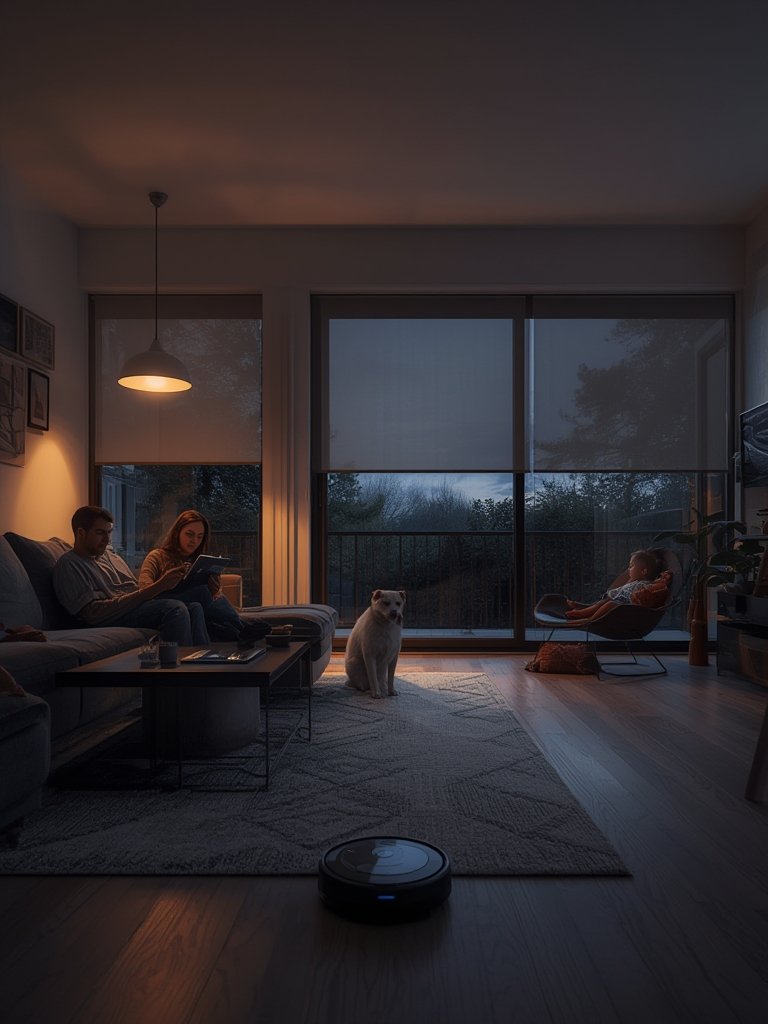
Smart home devices have become mainstream, but navigating the hype requires honest evaluation of both your needs and the limitations of current technology. Start by outlining real goals, research for compatibility and hidden costs, and prioritize ongoing security and privacy practices. Pairing tech upgrades with traditional home improvement techniques results in homes that are not only smarter but also safer and more comfortable. As you map your next steps, let the realities—not just promises—of smart home devices guide you toward informed action for a truly upgraded living space.
Ready to future-proof your home? Dive further into actionable home upgrade strategies and start building your own smart, secure, and comfortable space today.
FAQ
Are smart home devices really effective in preventing burglaries?
As of 2024, there’s no independent, concrete evidence that smart security devices directly prevent burglaries or home invasions. They can act as deterrents and enhance awareness, but should be part of a comprehensive security plan, not your only form of protection.
What are the biggest hidden costs of smart home devices?
Many users underestimate subscription fees for cloud storage and professional monitoring. Additionally, integrating devices from different brands can multiply costs if separate platforms are required.
Which smart home device brands have the best integration with major platforms?
Integration varies, but brands like Google Nest, Amazon Ring, and Philips Hue are well known for broader compatibility. Always check that products support your chosen smart home ecosystem before purchase.
What technical specs matter most in 2024 for buying smart home security products?
Key specs include Wi-Fi compatibility, device battery life (or wired power options), camera resolution (1080p or higher), smart home platform support, and whether ongoing software updates are available.
How do I protect my privacy when using smart home devices?
Choose brands known for transparent privacy policies and frequent software updates. Use unique passwords, enable two-factor authentication, and disable unused features like microphones when not needed.