

Smart Home Devices are reshaping home security in 2024, but with rapid innovation come both remarkable convenience and unique challenges. If you want to protect your property, understand emerging market trends, or upgrade your home improvement strategy, it’s critical to grasp the latest insights—before making a costly mistake.
Key Takeaways
- The global smart home security market will reach $145.54 billion by 2034, with North America leading regional adoption.
- Smart cameras and monitoring systems account for over half of the market share, with rapid growth in wireless and integrated solutions.
- Understanding integration, reliability, and up-to-date standards helps you avoid common pitfalls when choosing smart home devices.
- Understanding Smart Home Devices & Security – What and Why
- How To Choose and Set Up Smart Home Devices: Step-by-Step
- Advanced Analysis & Common Pitfalls in Smart Home Security
- Conclusion
- FAQ
Understanding Smart Home Devices & Security – What and Why
Smart home devices include connected cameras, sensors, video doorbells, and alarms that help monitor or secure your property—automatically and remotely. These solutions are not only for the tech-savvy: with 43 percent of U.S. internet households now using at least one smart home security device, they’re quickly becoming mainstream. The adoption of smart home security has soared due to growing concerns over safety, increased affordability, and user-friendly integration features.
According to a comprehensive market analysis from Precedence Research, the smart home security sector was valued at $35.02 billion globally in 2024 and is expected to quadruple by 2034. In North America, this trend is most pronounced—driven by high homeownership rates, reliable internet, and robust consumer demand for convenience and peace of mind.
Consumers are gravitating to surveillance cameras, video doorbells, and automated alarms for real-time alerts and remote monitoring. Key market-shifting drivers include growing support for wireless components and platforms, AI-enabled analytics for smarter alerts, and emerging standards like Matter/Thread promising easy interoperability among brands.
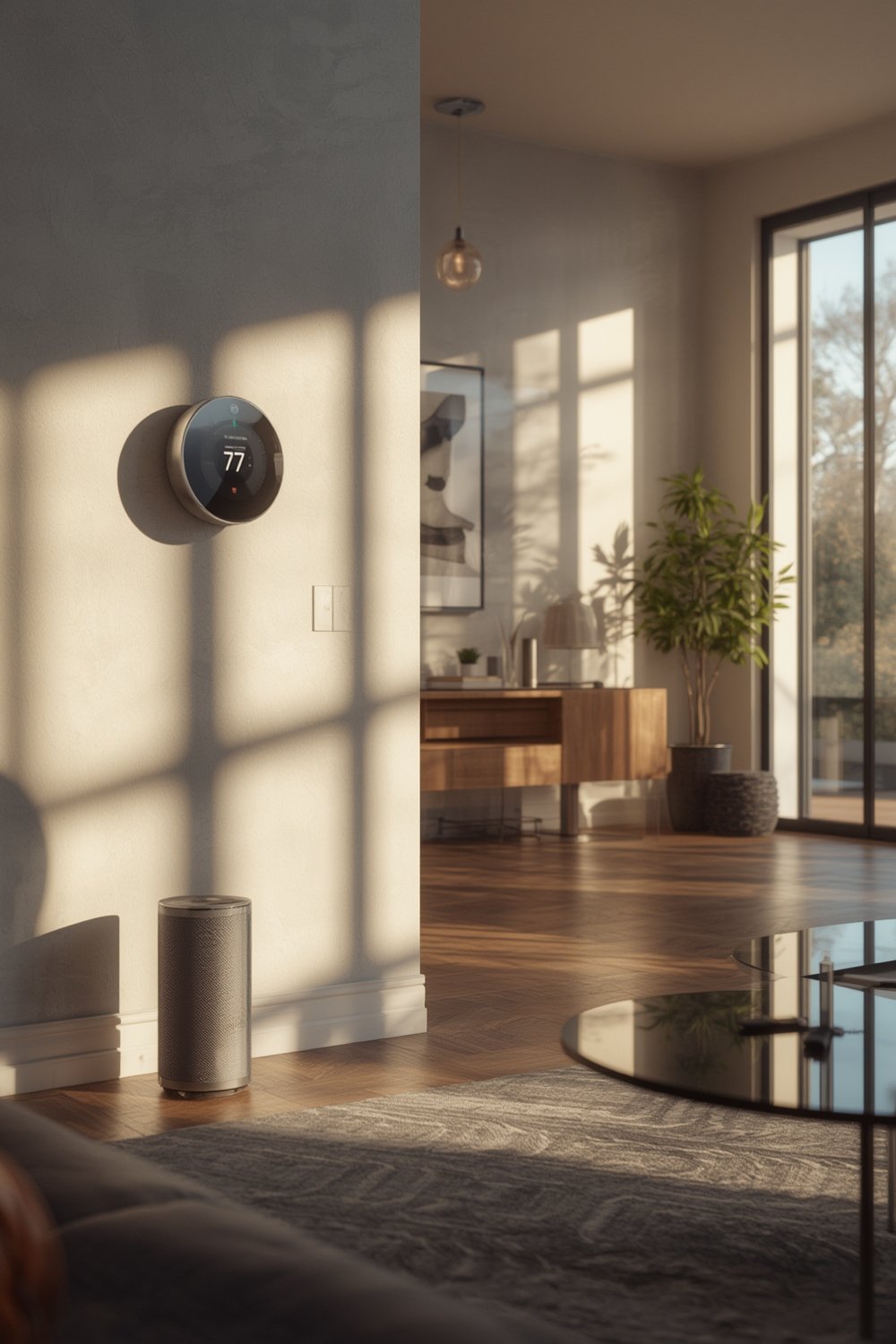
If you’re interested in upgrading beyond basic security, exploring smart home devices fits neatly within broader modern home improvements or even entry-level DIY home upgrade projects.
How To Choose and Set Up Smart Home Devices: Step-by-Step
- Define Your Security Priorities: Decide if you need visible deterrence (doorbell cameras), actual entry monitoring (door or window sensors), or comprehensive coverage (multi-room cameras and alarms).
- Check Compatibility with Your Smart Home Ecosystem: Do you use Alexa, Google Home, or Apple HomeKit? Ensure devices (and associated apps) support your main system—or look for Matter compatibility for future-proofing.
- Compare Connection Types: Many devices are now wireless for easy DIY installation, but hybrid wired options can offer reliability in larger homes or those with connection dead zones.
- Research Device Features: AI-powered intrusion detection, motion zones, night vision, two-way talk, and real-time mobile alerts are key differentiators in 2024. Check for regular firmware updates from reputable brands.
- Evaluate Data Privacy Practices: Confirm the manufacturer’s privacy policy covers encrypted storage, multi-factor authentication, and allows you to manage or delete footage.
- Plan Out Your Installation: Measure WiFi coverage at intended device locations. For renters, check for wireless options and removable mounting to avoid damage and lease issues.
- Budget for Upfront and Subscription Costs: Some systems require hardware purchases only, while many cameras and alarms offer additional features under a monthly cloud or monitoring plan.
- Read Reviews and User Feedback: Since real-world complaints (like app crashes and battery life) are common, check independent review sites or reliable retailers for pros and cons.
- Test Emergency Response: Simulate an alert event to confirm the response speed, notification reliability, and integration with additional systems (like smoke detectors or smart locks).
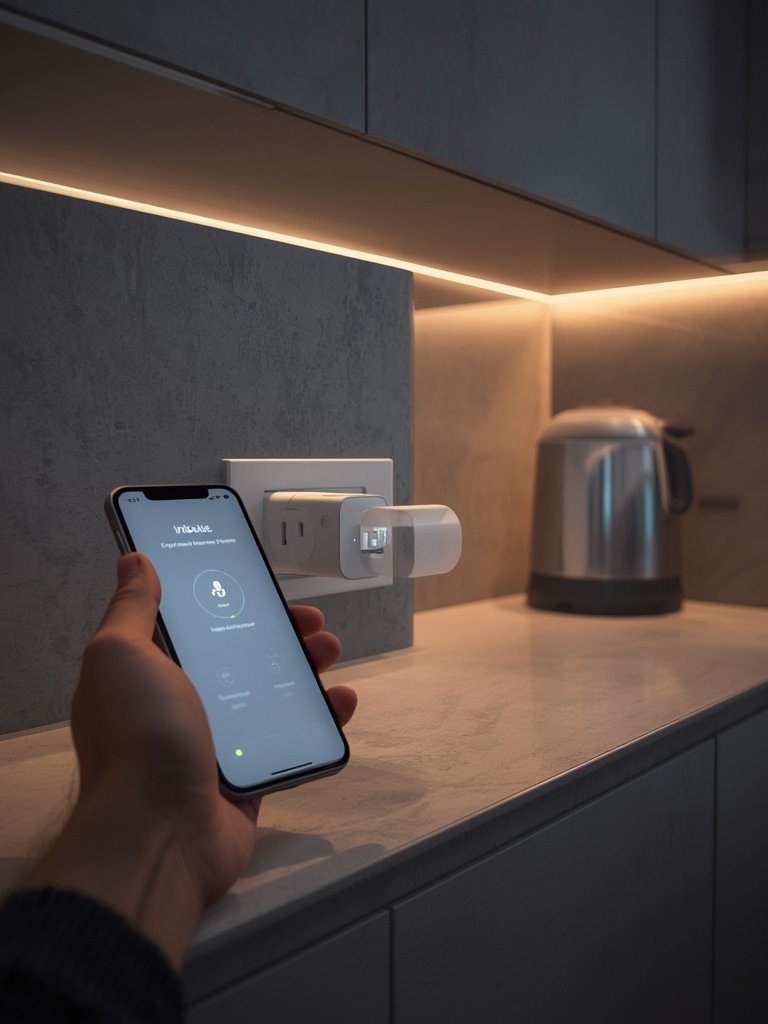
If you’re considering more holistic improvements, read this introductory home improvement guide for strategies that integrate security with design, efficiency, and daily comfort.
Proper planning makes all the difference—integrate your new smart security components with other connected devices like smart thermostats and lighting for maximized comfort and protection.
Advanced Analysis & Common Pitfalls in Smart Home Security
The smart home security market is booming, yet even leading products present risks and unforeseen headaches. Here’s how the data breaks down alongside real-life challenges:
- Device Interoperability Issues: Not all devices from different brands easily communicate. Older devices may never receive Matter support, increasing system fragmentation over time (source).
- Reliability Gaps: Market research highlights rapid growth but does not reveal user complaints, which often include app glitches, missed notifications, short battery life, cloud downtime, and connectivity loss.
- Hidden Costs: Subscription fees for cloud storage, advanced alerts, or professional monitoring can add up quickly since most free tiers offer only basic features and limited video history.
- Data Privacy Blindspots: Most consumers trust manufacturers’ claims but detailed examination of privacy protections, encryption policies, or breach history is essential since not all brands follow stringent practices.
- Complex Setup for Beginners: DIY installation is easier in theory than in practice for large homes or properties with WiFi dead zones.
- Integration Delays: While AI and 5G are transforming alerts and upload speeds, real-world performance may lag if your neighborhood lacks fast internet or you have older networking equipment.
| Category | Typical Issue | Pro Solution |
|---|---|---|
| Integration | Incompatible brands/apps | Choose devices supporting Matter or your primary smart home platform |
| Reliability | Connection loss, app crashes | Update firmware; use mesh WiFi or wired backhaul |
| Long-term Cost | Subscription fees add up | Audit recurring fees and bundle services if possible |
| Privacy/Security | Data exposure, privacy gaps | Select brands with transparent privacy policies and security audits |
| Installation | Difficult setup for large homes | Start small (one device/zone), then expand coverage in phases |
Integrating smart home devices with kitchen, bathroom, or whole-home remodeling can boost both functionality and value—see these remodeling tips and practical home planning ideas.
Conclusion
The smart home security landscape is evolving—and whether you’re a beginner taking first steps or a seasoned home improver, the right Smart Home Devices will protect your investment and give you peace of mind. Focus on integration, privacy, and reliable connectivity for the best long-term experience. Start by choosing vendor-agnostic hardware, research real-world feedback, and don’t forget to review privacy practices before purchase.
Ready to level up your home with modern protection? Start researching, read authentic reviews, and take your first step towards a smarter, safer home today.
FAQ
What are the most popular smart home security devices in 2024?
Smart cameras and monitoring systems lead the market, followed by video doorbells and connected alarm systems. According to 2024 adoption data, video surveillance devices are used in 42 percent of smart homes.
Do all smart home devices work together?
No, not all devices are compatible. Seek out models supporting the Matter integration standard for easier interoperability, or select devices built for your preferred ecosystem like Google Home, Alexa, or Apple HomeKit.
Are wireless smart security systems reliable?
Wireless systems are convenient and easy to install but can occasionally suffer from WiFi interference or dead zones. Use mesh WiFi and ensure devices receive firmware updates for better reliability.
What should I watch out for before buying a system?
Look beyond the initial purchase price—research monthly subscription fees, privacy practices, and real user feedback about reliability, especially regarding mobile notifications and cloud access.
Can I DIY install smart home security, or should I hire a pro?
Many devices are designed for DIY installation, especially wireless ones. However, if your home is large or you require wired integration, a professional installer may save time and prevent costly mistakes.